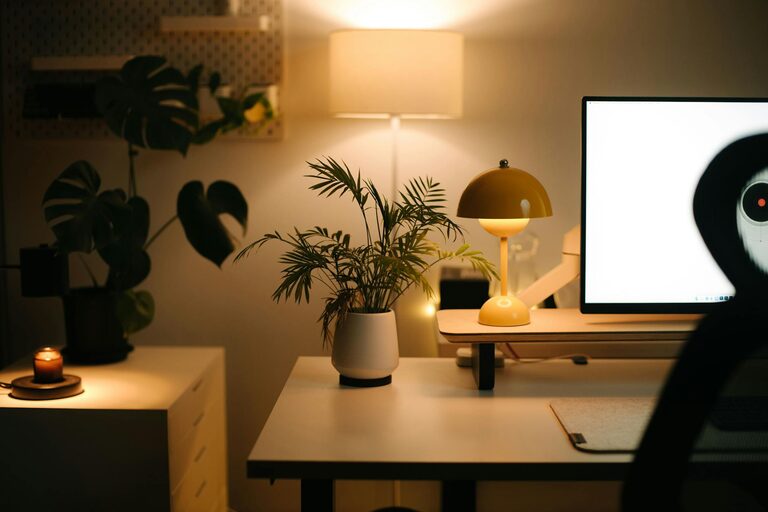


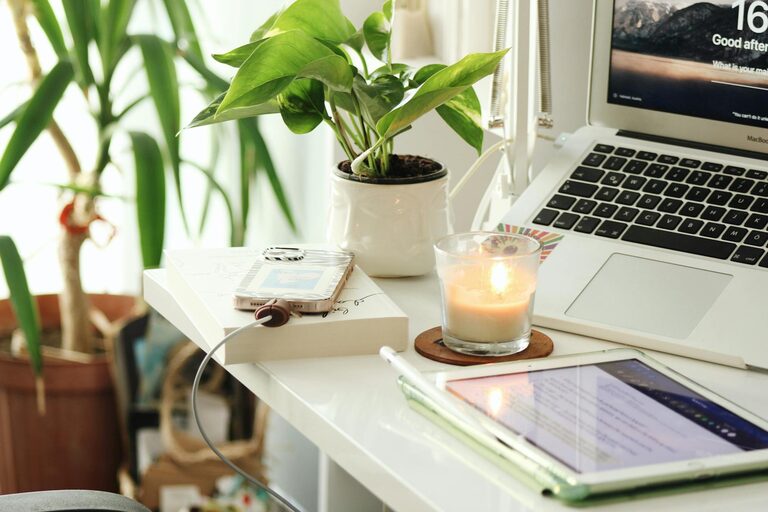
Creating a home office that is both cozy and productive can transform your work-from-home experience. Whether you work remotely full-time or occasionally need a quiet place to focus, the right environment helps you stay motivated and efficient. This guide offers practical tips for designing a home office space that feels inviting and supports your daily tasks.
Choose the Right Location
Finding the ideal spot for your home office is the first step. Look for a quiet area with minimal distractions. If possible, select a room with a door for privacy or a corner in a less busy part of your home. Natural light is a big plus, so a space near a window can improve mood and energy levels.
Consider Your Needs
Think about how you work best:
– Do you need a large desk or just a small table?
– Will you be attending video calls, requiring a backdrop?
– How much storage space do you need for documents and supplies?
Answering these questions helps you pick a spot that fits your routine and equipment.
Invest in Comfortable Furniture
Comfort is key to staying productive during long hours. Here are essential pieces:
Ergonomic Chair
Choose a chair that supports your back and promotes good posture. Adjustable height and lumbar support can prevent discomfort and fatigue.
Functional Desk
A desk at the right height and size helps you stay organized. If you prefer standing part of the day, consider a sit-stand desk for variety.
Optimize Lighting
Good lighting reduces eye strain and keeps you alert.
– Maximize natural light by positioning your desk near a window.
– Use adjustable desk lamps with warm or cool light depending on your preference.
– Avoid harsh overhead lighting or glare on screens by experimenting with light sources.
Personalize Your Space
Making your office feel cozy helps create a positive atmosphere.
Add Warm Textures
Include soft rugs, cushions, or curtains to add warmth and reduce noise.
Bring in Greenery
Plants improve air quality and add a touch of nature, which can boost mood and creativity.
Display Inspiring Items
Photos, artwork, or motivational quotes add personality without cluttering the workspace.
Keep It Organized
An organized desk and storage system reduce distractions and save time.
Use Storage Solutions
Shelves, filing cabinets, or baskets keep supplies tidy and accessible.
Declutter Regularly
Spend a few minutes each day clearing your desk to maintain a clean and focused environment.
Manage Technology Efficiently
Having the right tech setup improves workflow.
– Invest in reliable Wi-Fi and a good-quality headset or microphone for virtual meetings.
– Use cable organizers to avoid tangled cords.
– Consider a second monitor if your work involves multitasking.
Establish Boundaries
A dedicated office space helps separate work life from home life.
– Set specific work hours and communicate them to family or housemates.
– Use visual cues like closing the office door to signal focused work time.
– Take regular breaks away from the desk to recharge.
Add Comfort Features
Small touches can enhance comfort and productivity.
– Keep water or a favorite drink nearby to stay hydrated.
– Use a small fan or heater to control the temperature.
– Incorporate calming scents with essential oils or candles.
Final Thoughts
Designing a cozy and productive home office is about balancing comfort with functionality. By choosing the right location, investing in ergonomic furniture, optimizing lighting, personalizing your space, and staying organized, you create an environment that supports your best work. Remember to maintain boundaries and adjust your setup as needed to keep your workspace inspiring and efficient.
With these tips, your home office can become a place where you look forward to working each day.